Retail inventory

Retail inventory mobility from stockroom to shop floor

Connect store inventory, price checks, receiving, fulfillment and RFID workflows with compact enterprise mobile devices.

Plan a pilot

Operational challenge

Build around the real work.

Retail teams need a compact device that moves between receiving, stockroom and customer-facing work without slowing the application or creating a separate support process for every store task.

  • Improve stock visibility and replenishment accuracy
  • Support barcode and optional RFID inventory methods
  • Keep devices manageable across distributed locations
  • Align charging and accessories with store operations

Workflow map

Connect each task to a reliable capture step.

01

Store receiving

Verify cartons, items, transfers and discrepancies as goods enter the location.

02

Stock operations

Run counts, replenishment, price checks and back-room movement from one application platform.

03

Omnichannel fulfillment

Support pick, stage, handoff and exception handling for store-based orders.

Practical guide

How to turn the workflow into a deployable system.

Use these steps to structure discovery, application validation and the pilot before committing to a volume device order.

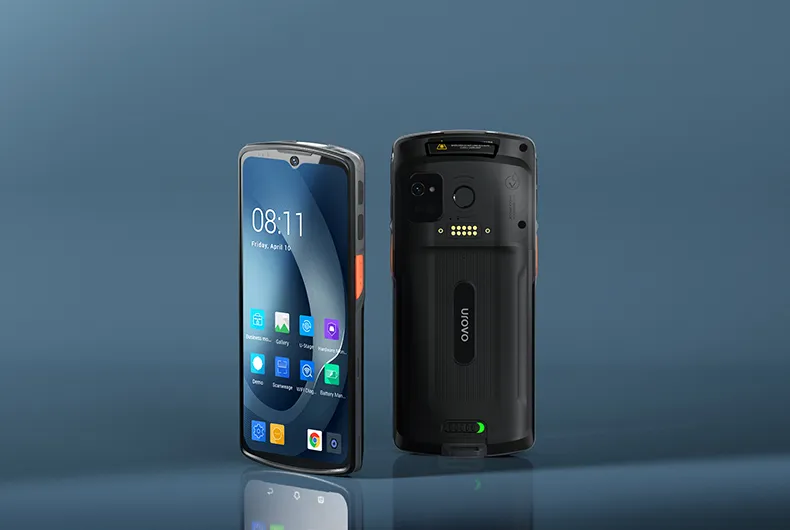
UROVO DT50 handheld used as a retail inventory mobility option
Store inventory

01 / Store inventory

Give associates one reliable path from shelf label to stock record.

Store inventory becomes inaccurate when receiving, shelf replenishment, transfers and counts use different identifiers or delayed updates. Start by mapping where each quantity changes. The associate should see the item, location and action clearly before confirming the transaction.

Test real shelf labels, small cosmetic codes, reflective packaging and barcodes displayed on customer phones. A compact device may improve customer-facing use, but the screen, trigger position and battery still need to support back-room receiving and long count sessions.

Confirm during discovery

  • Shelf, carton and screen-displayed barcodes
  • Receiving, transfer and adjustment permissions
  • One-handed use in narrow aisles
  • Immediate confirmation of the inventory location changed
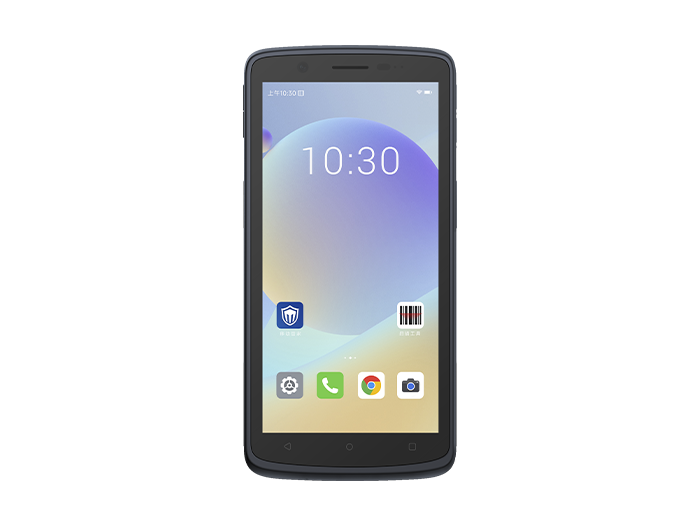
SEUIC CRUISE2 full-touch terminal for retail fulfillment workflows
Omnichannel orders

02 / Omnichannel orders

Treat pick, stage and handoff as one traceable order flow.

A store order can fail even after the correct item is picked. The workflow must preserve the order identity through staging, substitution, cancellation and customer or courier handoff. Use scans where they remove ambiguity, and keep exception choices short enough for a busy shop floor.

Connectivity varies between stockrooms, loading areas and storefronts. The application should explain whether an action is complete, queued or blocked, then reconcile safely when the network returns. Staff should never need to guess whether pressing the button twice created a duplicate transaction.

Confirm during discovery

  • Order, item and staging-location identity
  • Substitution and cancellation approval
  • Queued transaction and duplicate prevention
  • Proof of customer or courier handoff
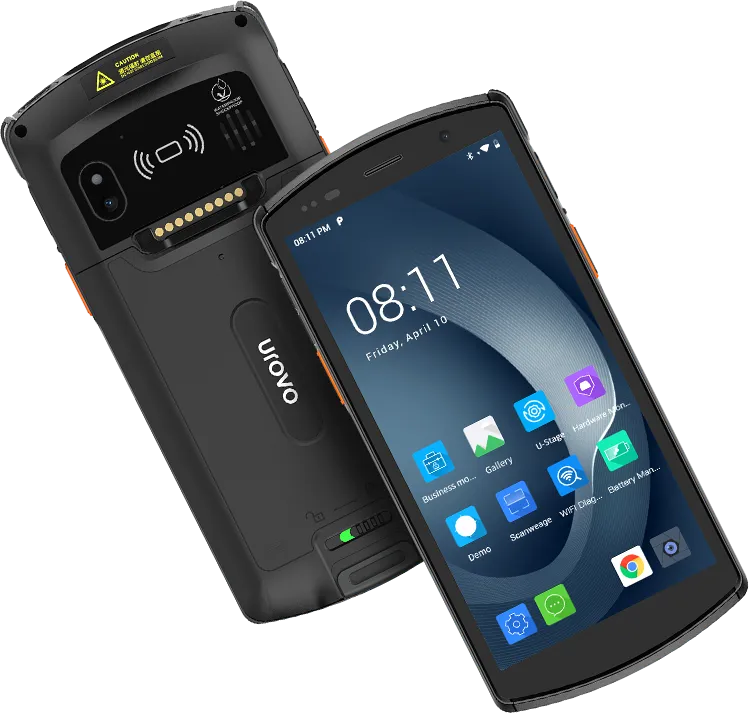
UROVO DT66 mobile computer as a managed retail fleet option
Fleet operations

03 / Fleet operations

Standardize enrollment and charging before adding more stores.

Distributed devices need a repeatable zero-touch or low-touch setup. Define the Wi-Fi, identity, application, restriction and update profile once, then test how a replacement device reaches the same state. Store staff should not need administrator credentials to recover normal operation.

Plan where devices live between tasks. Shared cradles, numbered assignments and loss procedures are operational controls, not accessories added after ordering. A small multi-store pilot should include different Wi-Fi layouts and transaction volumes before the configuration becomes a chain-wide standard.

Confirm during discovery

  • Enrollment from factory reset
  • Role and store-specific application profiles
  • Charging location and device accountability
  • Remote support and replacement procedure
Required capabilities

Specify what the system must do before choosing a model.

Compact full-touch operation

Balance display size, carry comfort and one-handed scanning for mixed store tasks.

Fast item identification

Validate barcode quality, screen scanning and optional RFID performance against real merchandise.

Store connectivity

Confirm Wi-Fi behavior, cellular requirements and offline recovery at representative locations.

Distributed management

Standardize enrollment, application updates, restrictions and remote support through MDM.

Software and deployment

Keep hardware, application and operations in one scope.

  • Inventory, POS-adjacent and order-management applications
  • Barcode, camera, NFC and RFID capture as required
  • MDM enrollment and store-specific configuration groups
  • Charging, carry and loss-prevention accessory planning

Starting configurations

Products to include in the first shortlist.

These are practical starting points, not automatic recommendations. RuggedLayer confirms the best fit against the application, environment and target market.

UROVO DT50 rugged handheld computer, front and rear views

UROVO / Rugged handheld computer

DT50

General-purpose handheld with a replaceable-battery option for mixed store work.View product details
UROVO DT66 enterprise mobile computer, front and rear views

UROVO / Enterprise mobile computer

DT66

Modern full-touch platform for app-first retail workflows.View product details
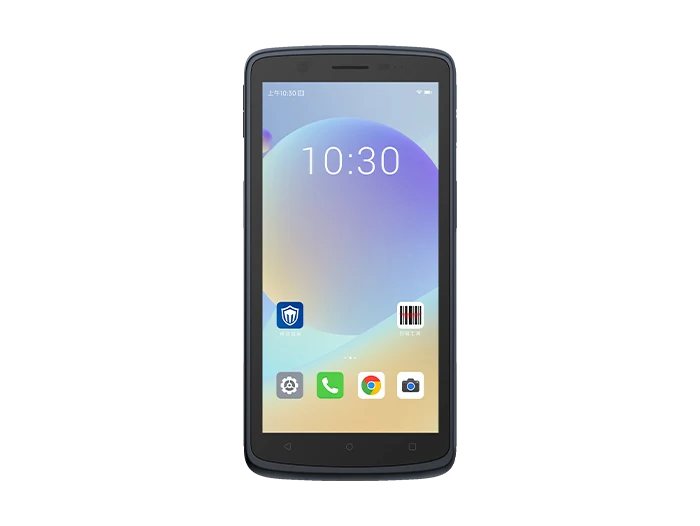
SEUIC (Dongji) CRUISE2 touch mobile terminals product image

SEUIC (Dongji) / Touch mobile terminals

CRUISE2

Full-touch mobile terminal option for inventory and store applications.View product details

Pilot plan

Validate the workflow before volume deployment.

  1. 01

    Choose representative stores

    Include different layouts, Wi-Fi conditions and daily transaction volumes.

  2. 02

    Test core journeys

    Run receiving, counts, lookup, replenishment and fulfillment with real users.

  3. 03

    Measure operational fit

    Track task completion, scan exceptions, battery use and support incidents.

  4. 04

    Prepare the rollout standard

    Freeze applications, profiles, accessories, labels and replacement procedures.

RuggedLayer Application Validation

Turn this workflow into a device and pilot plan.

Share the application, environment, country, capture requirements and expected volume with RuggedLayer.

Plan a pilot